The convertible laptop category has always been something of a balancing act. You want a machine that behaves like a proper laptop when you need to get work done, folds into a tablet when inspiration strikes, and does neither so badly that you end up wishing you had simply bought one or the other. Easier said than done. The Dell 14 Plus 2-in-1, powered by AMD's Ryzen AI 7 350 processor, is Dell's latest attempt at threading that needle, and for the most part, it does so with quiet confidence.
This is also one of Dell's first Copilot+ PCs to carry AMD silicon, a significant shift after the company's extensive partnership history with Intel. It arrives under Dell's refreshed product naming scheme, which replaced the well-known Inspiron and XPS branding with a tiered system built around descriptors like Plus and Premium. The 14 Plus, therefore, sits in the middle tier of Dell's consumer line, i.e., above the baseline model but below the premium range.
So does it justify its asking price in a market crowded with capable rivals? We spent considerable time with the machine across productivity tasks, content consumption, creative use, and performance benchmarking to find out.
Design And Build Quality
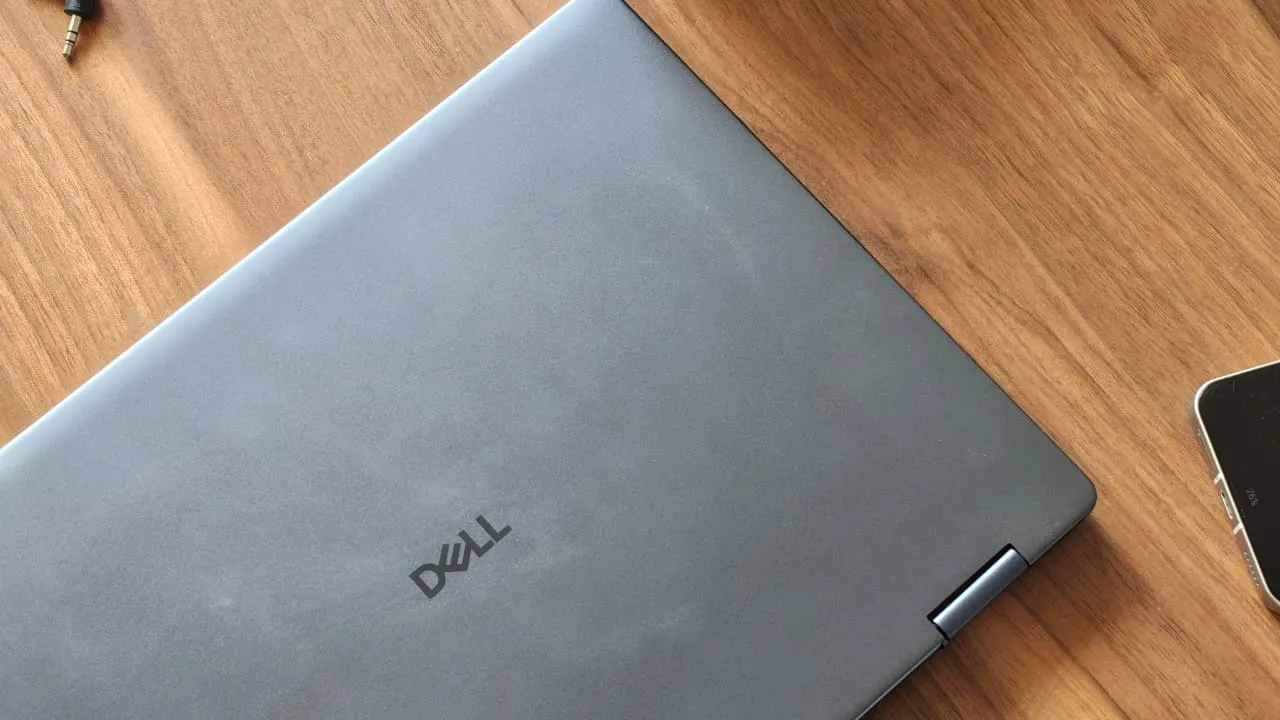
The Dell 14 Plus 2-in-1 makes a strong first impression. At 12.36 x 8.9 x 0.65 inches and weighing 1.59 kg, the machine is compact enough to be carried in a single hand comfortably, which matters when you are switching between modes on the go.
The Midnight Blue aluminium lid gives it a premium, restrained aesthetic that will appeal to professionals who prefer their hardware to be understated. The rounded corners and a diamond-cut hinge design add a touch of elegance, and the overall silhouette is slim enough to turn heads in a meeting room.
However, open the lid and the picture becomes a little more complicated. While the lid and base use aluminium, the keyboard deck, bezels, and palm rest are made from plastic. This is a deliberate trade-off to keep the weight down; the machine comes in at approximately 1.59 kg, which is genuinely portable, but it does undercut the premium feel somewhat. If you run your hand across the interior, the gap in material quality is noticeable compared to rivals like the Lenovo Yoga range, which maintains aluminium throughout.
PS – the hinge is impressive.
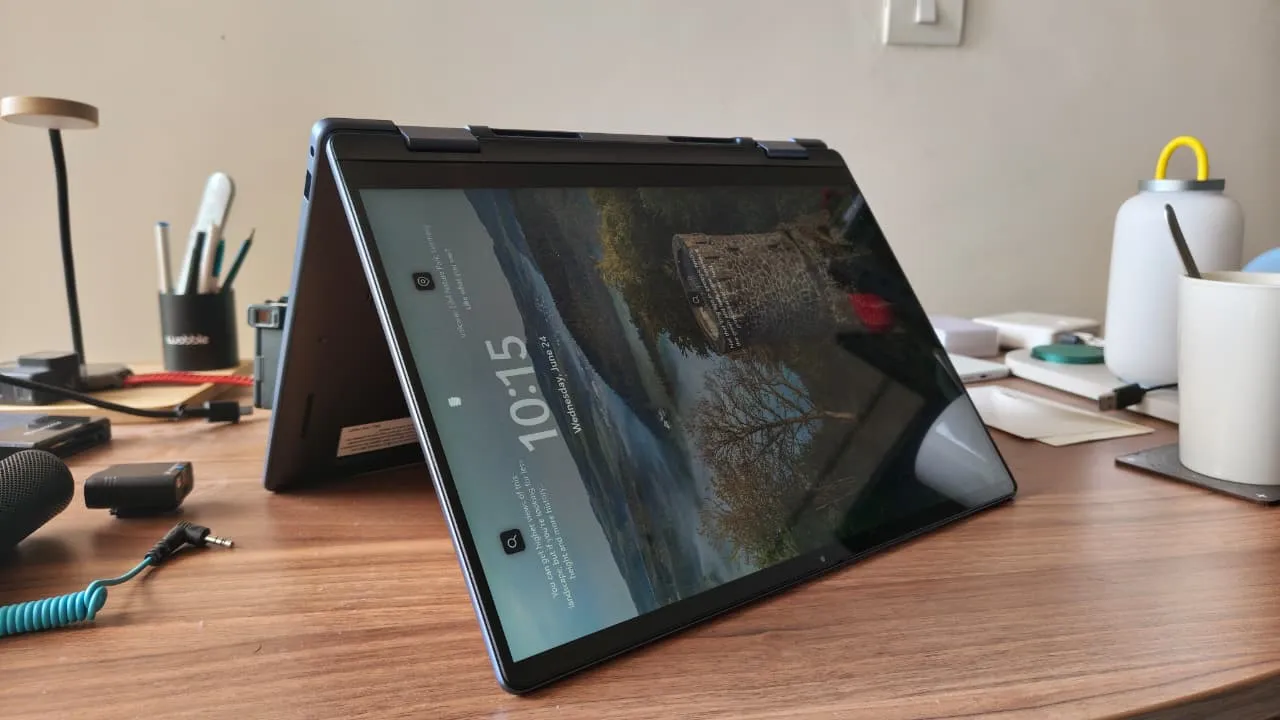
The 360-degree hinge is the defining physical feature of any 2-in-1 convertible. It allows the screen to rotate a full 180 degrees and fold back on itself, transforming the laptop into a tablet, a tent (for watching content propped up at an angle), or a presentation mode (screen facing outward on a flat surface). On the Dell 14 Plus 2-in-1, this hinge is reassuringly firm, transitions smoothly between modes, and shows no wobble once locked into position. That said, one reviewer noted slightly stiffer resistance when first opening the lid, and there is a minor flex when pressure is applied to the display panel, something to be aware of if you plan to use tablet mode frequently.
I/O
For a laptop this thin, Dell has done a commendable job with port provision:
On the left side: two USB-C 3.2 Gen 2 ports (both supporting Power Delivery for charging and DisplayPort Alt Mode for connecting external displays), plus an HDMI 1.4 port.
On the right side: one USB 3.2 Gen 1 Type-A port and a 3.5mm headphone jack.
The dual USB-C setup gives you flexibility for docking stations and external monitors without needing an adapter. However, the HDMI port is version 1.4, which limits 4K display output to 30 frames per second, a meaningful restriction if you work with an external 4K monitor. Users who want smoother 4K output should use the USB-C ports with a DisplayPort-compatible adapter instead.
The single USB-A port may feel limiting for users with multiple peripherals. A compact USB hub would be a sensible companion purchase.
On the wireless side, the machine ships with a MediaTek Wi-Fi 7 MT7925 module and Bluetooth 5.4. **Wi-Fi 7** is the latest generation of wireless networking, offering significantly faster throughput and lower latency than Wi-Fi 6E, though you will need a Wi-Fi 7 router to take full advantage. Bluetooth 5.4 ensures stable multi-device pairing for peripherals like wireless headphones and keyboards.
Display: WVA Touchscreen Panel For The Win
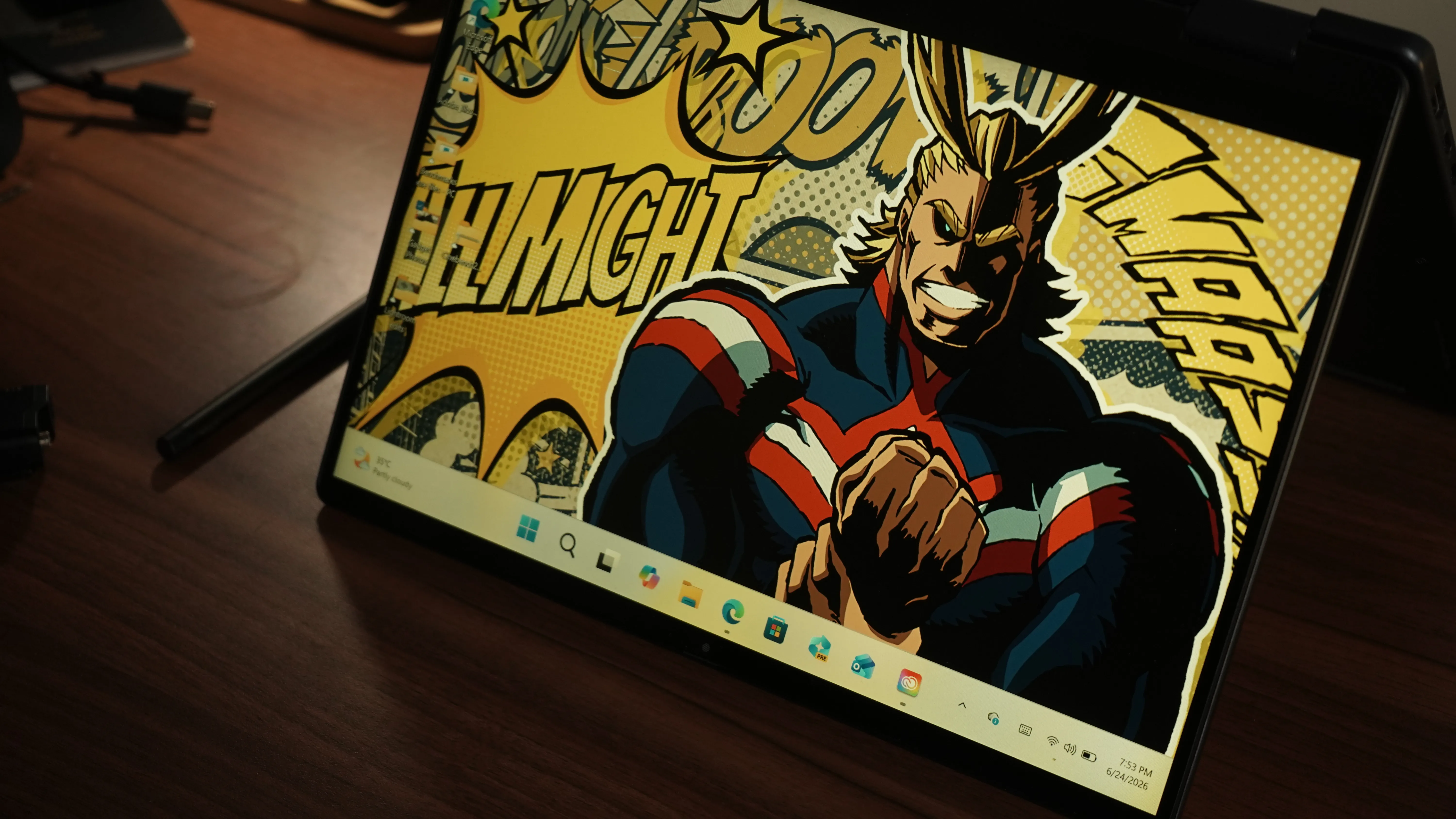
The 14-inch WVA (Wide Viewing Angle) touchscreen panel runs at a 2K resolution of 1920x1200 pixels, a 16:10 aspect ratio, with a 60Hz refresh rate and 300 nits of peak brightness.
The 1920x1200 resolution at 16:10 (as opposed to the more common 16:9) means slightly more vertical screen real estate, which is genuinely useful for documents, web browsing, and spreadsheets. The WVA panel type offers consistent colour reproduction when viewed from different angles, unlike older TN panels that would shift colour dramatically off-axis. The 60Hz refresh rate means the display updates 60 times per second — adequate for productivity work and video playback, but noticeably less fluid than the 90Hz or 120Hz panels found on more expensive competitors.
The display's primary weakness is brightness. At 300 nits, it is workable indoors and in moderately lit spaces, but it struggles under direct sunlight or in brightly lit offices. This also limits its appeal for outdoor use in tablet mode. Competing devices in this price range, including the Lenovo Yoga 9i 2-in-1 and the MSI Summit 13, push significantly higher brightness figures.
Colour coverage is measured at approximately 65 per cent of the sRGB gamut. sRGB is the standard colour space used for most web content and general-purpose displays; 100 per cent sRGB coverage is considered the baseline for colour-accurate work. At 65 per cent, the display falls short for professional photo editing or graphic design work.
For content consumption, productivity, and casual sketching, most users will find the panel acceptable, i.e, colours are pleasant without being oversaturated, but creative professionals requiring accurate colour reproduction should look elsewhere, perhaps at an OLED alternative.
Touch response is fluid and accurate, which matters in tablet and tent modes. The screen also supports active stylus input, which we will discuss in more detail below.
Last but not least, a matte anti-reflective finish, Dell's ComfortView plus coating, is applied to the display surface, and it does double duty as a pleasant tactile texture on the lid, and helps reduce glare during use.
Keyboard And Touchpad
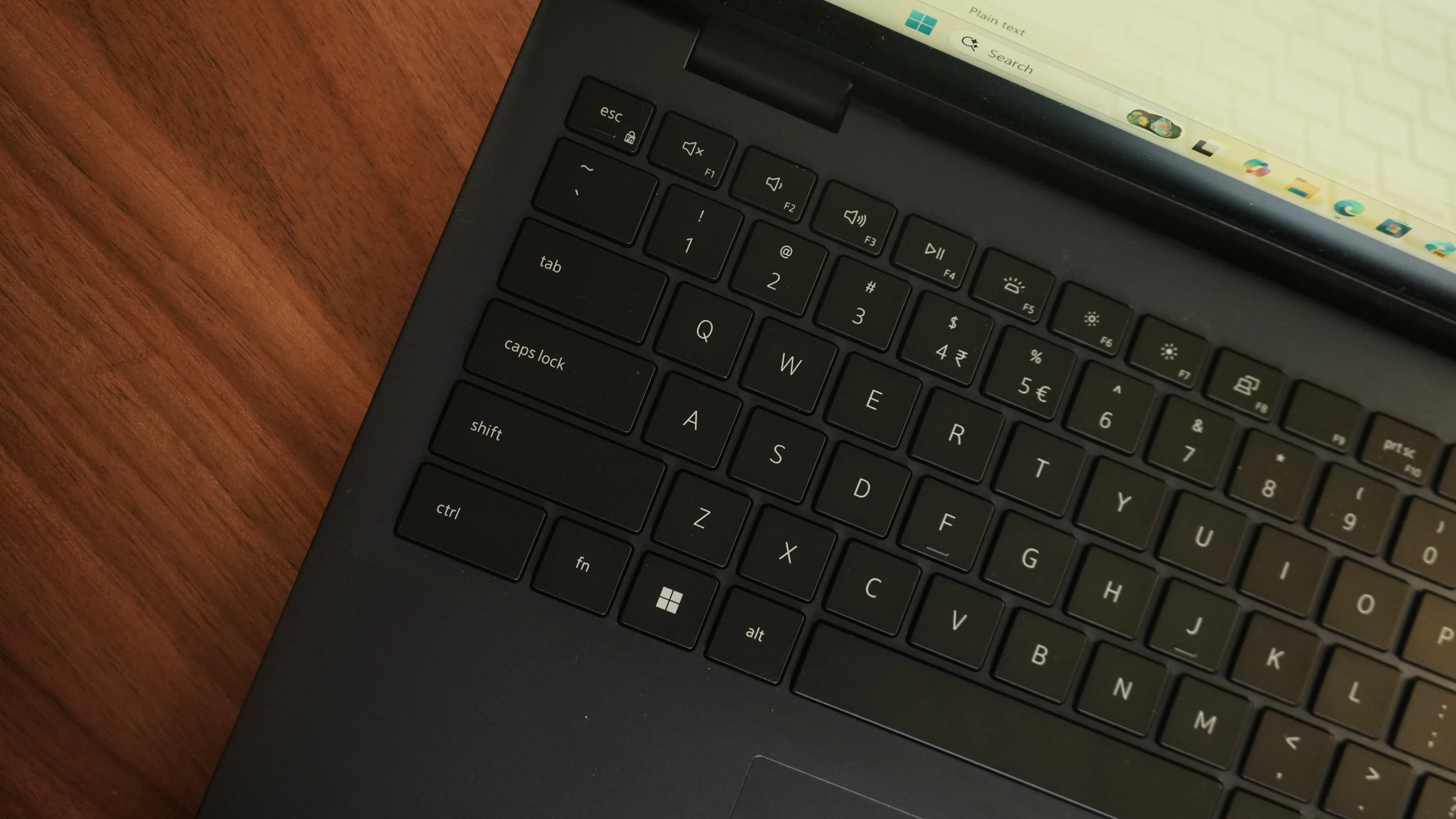
The backlit keyboard is well-spaced and satisfying to type on over extended sessions. Key travel is short but tactile, which is the norm for slim laptops in this category. A dedicated Copilot key (Microsoft's AI assistant shortcut) sits alongside the function row, offering instant access to Windows AI features. The power button is positioned at the top right of the keyboard deck, adjacent to the Delete key — an arrangement that occasionally leads to accidental presses, though this tends to resolve itself with a few days of use.
The Precision Mylar touchpad performs well for everyday navigation and multi-finger gestures, with smooth tracking and reliable palm rejection. The physical click action is somewhat muted, which some users may find unsatisfying compared to glass haptic touchpads on premium devices. Occasional inconsistencies in registering taps and multi-finger gestures have been noted, though these are infrequent.
The FHD (1080p) webcam is capable and well-suited for video calls, delivering accurate skin tones and solid performance in mixed lighting. The dual-array microphones provide clean audio for calls. The machine does not include infrared (IR) face recognition for Windows Hello sign-in, but it does feature an integrated fingerprint reader on the power button, which offers quick and secure authentication.
Tablet Mode
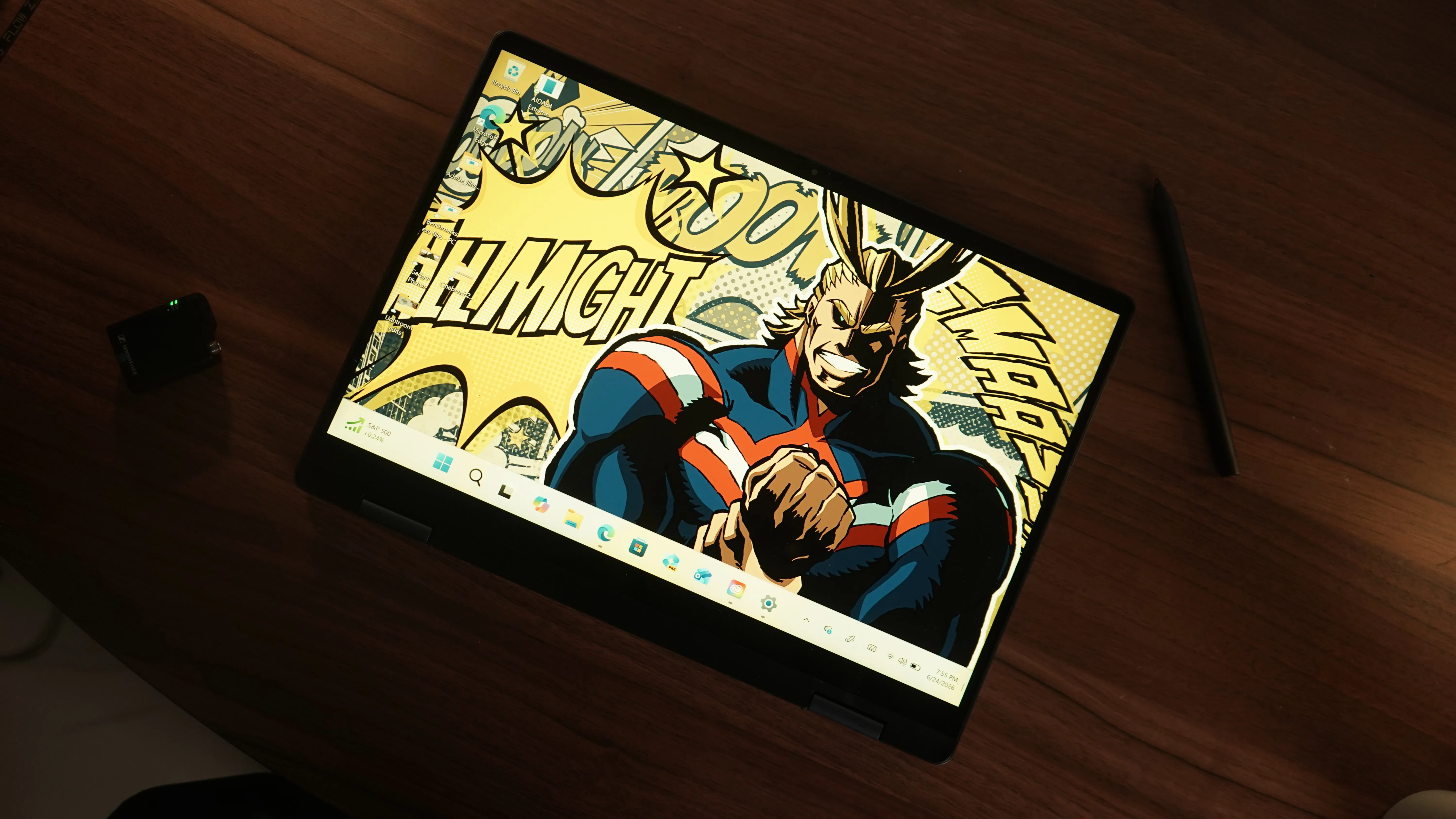
The bundled Dell Active Pen is a highlight of the package. Setup is straightforward: insert a battery, pair via Bluetooth, and the pen is ready within seconds. The experience is responsive and precise, with pressure sensitivity handled naturally for sketching and handwriting tasks. There is no perceptible lag or jitter during strokes, even when working on finer details.
The pen attaches magnetically to the chassis for storage, which is convenient for portability. It is worth noting that the pen is battery-powered (rather than rechargeable), which some users may find less convenient over time. Serious digital artists working with professional illustration software may prefer a higher-end stylus, but for note-taking, PDF annotation, and casual sketching, the Dell pen delivers well.
The compact form factor of the 14-inch chassis makes tablet mode genuinely usable with one hand, which is not always the case with larger convertibles. The 360-degree hinge transitions smoothly, and the device remains stable across all four use modes: laptop, tablet, tent, and presentation.
Performance: This Is What Matters The Most
The Ryzen AI 7 350 is AMD's latest processor designed specifically for thin-and-light laptops, built on the Strix Point architecture. It includes a high-performance CPU for everyday computing tasks, an integrated Radeon 860M GPU for display output and light graphical work, and a dedicated NPU capable of up to 50 TOPS (Trillion Operations Per Second) for AI-accelerated workloads.
In synthetic benchmarks, the Ryzen AI 7 350 configuration delivered the following results:
Benchmark Scores
3DMark Night Raid - 22,569
PCMark 10 - 7,385
Cinebench R23 (Multi-Thread) - 10,600 - 11,100
Geekbench 6 (Single-Core) - 2,806
Geekbench 6 (Multi-Core) - 11,869
PCMark Battery Video Loop - 13.5 hours
These figures place the machine comfortably ahead of many competitors in the Rs 80,000 to Rs 1,00,000 bracket, including the HP Omnibook 3, Asus Vivobook S16, and Acer Swift 14 Go AI. The Cinebench R23 multi-thread score is a measure of sustained CPU performance across all cores and is a reliable indicator of how the machine handles demanding workloads such as video editing, large file compression, or running multiple applications simultaneously.
In day-to-day use, the experience is consistently responsive. Applications launch quickly, tab-switching in Chrome with a dozen or more windows open is smooth, and background processes do not noticeably degrade performance during active work. The PCIe Gen 4 SSD delivers fast read and write speeds, contributing to quick boot times and near-instant application launches. Our SSD benchmark returned a score of 2,226 in the PCMark Full SSD test, ahead of several rivals in this segment.
The Radeon 860M integrated GPU handles casual gaming adequately at lower settings in older games. It is not designed for demanding modern titles at high settings, and users expecting a gaming experience should look at dedicated GPU options. I learned that while playing Mortal Kombat 1 and Forza Horizon 5.
For professional tasks involving GPU acceleration, such as video exports in software like Adobe Premiere, the integrated graphics will get the job done for lighter workloads but will feel the strain on heavier projects such as those in Adobe After Effects.
Battery Performance Of The Dell 14 Plus 2-in1
Battery performance is genuinely one of this machine's strongest suits. The 64Wh battery, combined with AMD's efficient Strix Point architecture, delivers outstanding real-world endurance.
In everyday professional use, a mix of document editing, web browsing across multiple tabs, video calls, and occasional YouTube breaks, users can comfortably expect to end a full eight-hour working day with around 30 per cent battery remaining. In controlled benchmark testing, the machine lasted between 13.5 and 14.5 hours on the PCMark 10 Battery Video Loop test, which simulates continuous productivity use. This is exceptional for a convertible laptop at this price point.
The included 65W USB-C adapter supports fast charging, taking the battery from flat to 50 per cent in approximately 40 to 45 minutes, and reaching a full charge in under two hours.
Thermals
Thermal management is well-handled. The keyboard deck and trackpad remain cool to the touch during regular workloads, and the machine only develops mild warmth in the WASD key area (the upper-left section of the keyboard) during sustained intensive tasks. In a 30-minute Cinebench stress test, peak surface temperature in the WASD region reached 38.7 degrees Celsius, while the trackpad remained at a comfortable 27.5 degrees. These are controlled and well within acceptable limits for a thin-and-light device.
Speakers
The dual stereo speakers, tuned with Realtek SounzReal and Dolby Atmos support, deliver balanced mid-range tones and clear highs. **Dolby Atmos** is a spatial audio format that creates a more immersive, three-dimensional soundstage — most noticeable on film soundtracks and orchestral music. In practice, the speakers are suitable for video calls and casual content consumption but lack the bass depth and overall volume that would make them satisfying for music or cinematic viewing. A pair of headphones or an external speaker is recommended for serious audio use.
What Stood Out:
- Strong CPU performance that leads its segment in most benchmarks
- Outstanding battery life of 13 to 14 hours under real-world use
- Responsive, low-latency stylus included in the box
- Premium aluminium chassis with a well-built 360-degree hinge
- Wi-Fi 7 and Bluetooth 5.4 for future-ready wireless connectivity
- AMD Ryzen AI 7 350 NPU meets Copilot+ PC requirements
What Could Have Been Better?
- Display brightness limited to 300 nits; struggles in outdoor environments
- Plastic keyboard deck and bezels undercut the premium exterior
- sRGB colour coverage of approximately 65 per cent limits creative professional use
- HDMI 1.4 restricts 4K output to 30Hz
- Speakers lack depth for music and cinematic content
- Only one USB-A port; a hub is advisable
Verdict: Should You Buy The Dell 14 Plus 2-in1 Laptop?
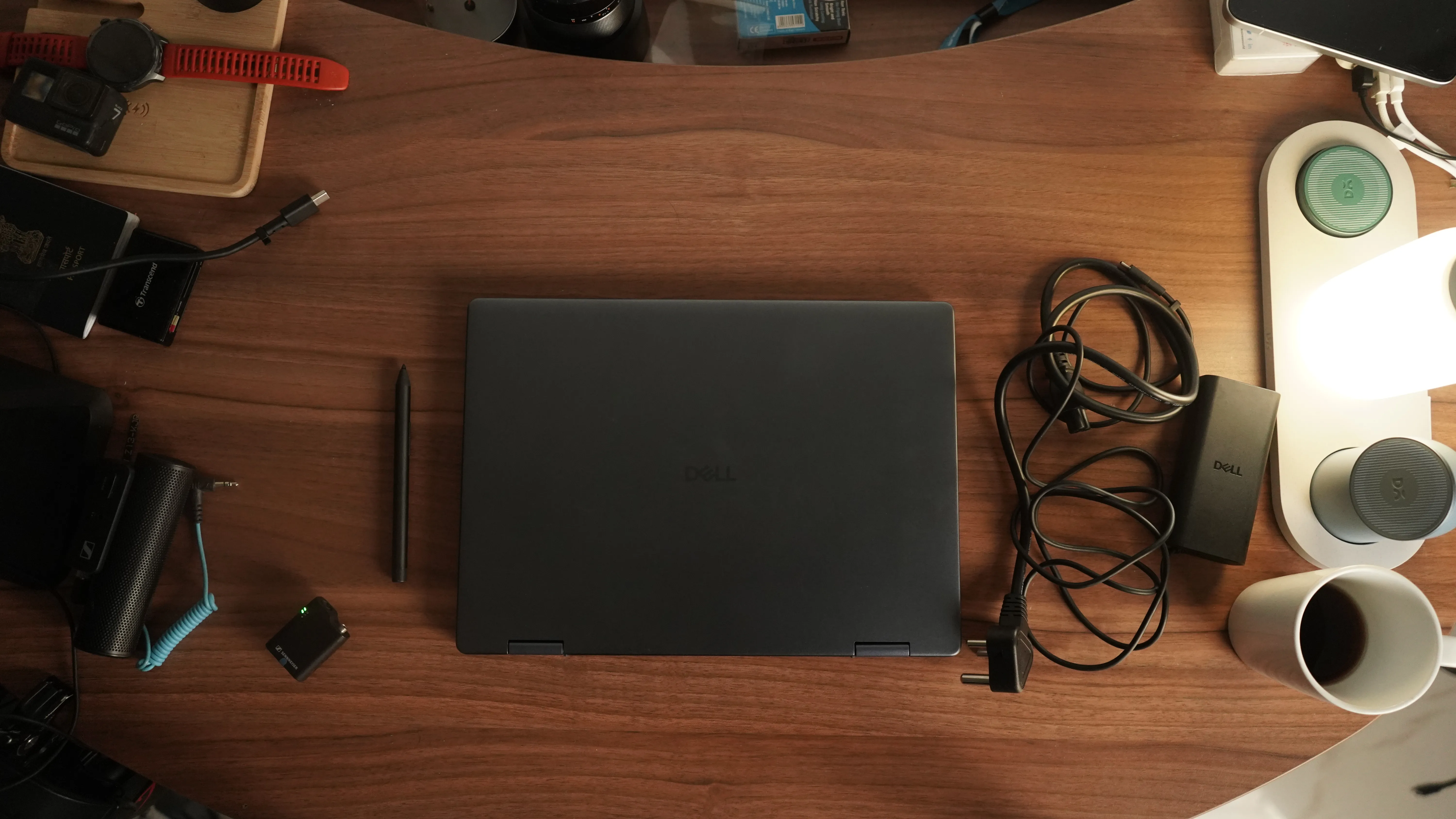
The Dell 14 Plus 2-in-1 with the AMD Ryzen AI 7 350 is a thoughtfully built convertible that delivers strong, consistent performance, excellent battery life, and a genuinely usable stylus experience. Its design is clean and professional, the hinge is well-engineered, and the inclusion of Wi-Fi 7 and a capable NPU means the machine is well-positioned for the near future of AI-assisted computing.
Its compromises are real but manageable. The plastic interior surfaces dampen the premium feel, the display brightness of 300 nits will frustrate outdoor users, and colour coverage falls short for professional creative workflows. The HDMI 1.4 port is a missed opportunity, and the speaker system is functional rather than impressive.
For students, journalists, business professionals, and anyone who moves between creative, communicative, and productivity tasks throughout the day, the Dell 14 Plus 2-in-1 covers an impressive amount of ground at its price point. If your budget allows for a stretch, the ASUS Vivobook 14 Flip TP3407SA adds an OLED display for roughly Rs 10,000 more, while the Lenovo Yoga Slim 7 and HP OmniBook X Flip 14 offer premium all-around packages at around Rs 30,000 higher. But if you are shopping around the Rs 90,000 mark for a versatile, well-performing convertible, the Dell 14 Plus 2-in-1 makes a compelling case for itself.
I cannot emphasise enough how good this laptop is for students and office people who need a versatile machine. However, from a bird ’s-eye view, there is honestly nothing remarkable about this laptop. It just gets the job done and has one of the sturdiest convertible hinges I have used lately.
Keep following BWTV Prime and BW Businessworld for more reviews. |